
Membership
Signup How To:

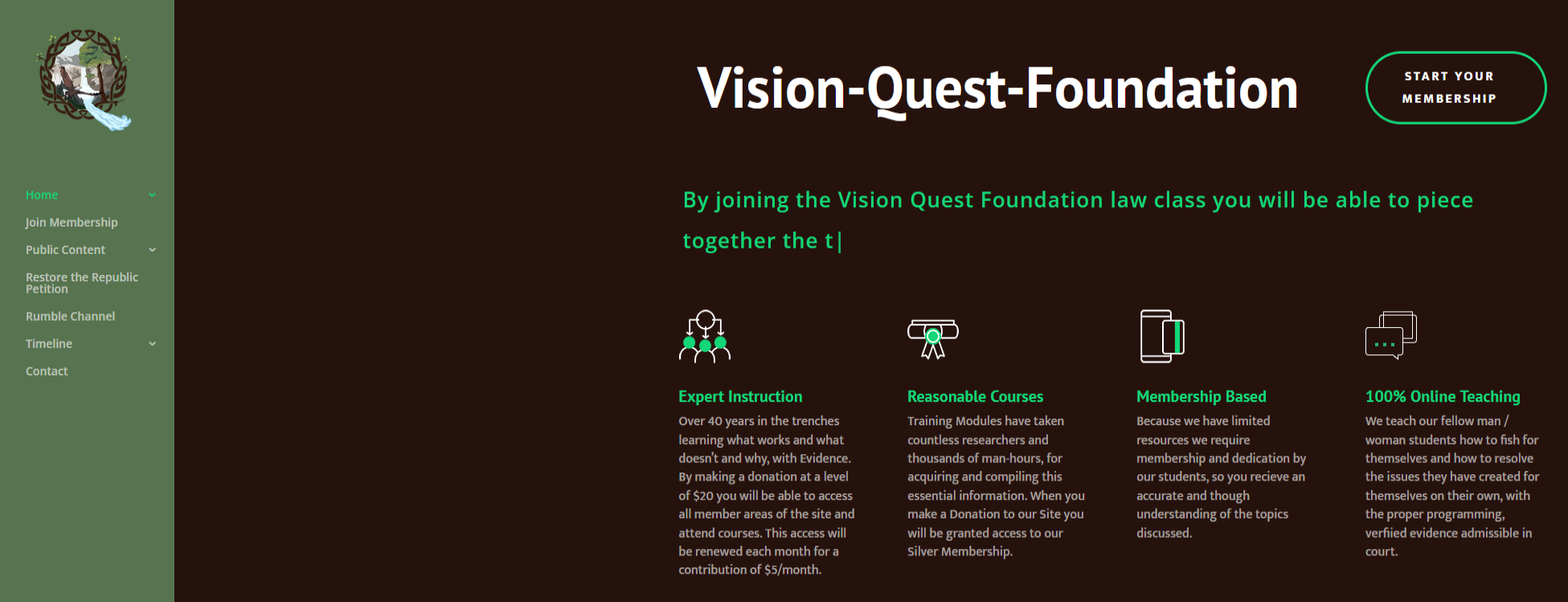
Click On Any Join Membership or Start Your Membership Button. (Bottom of this Page as Well)
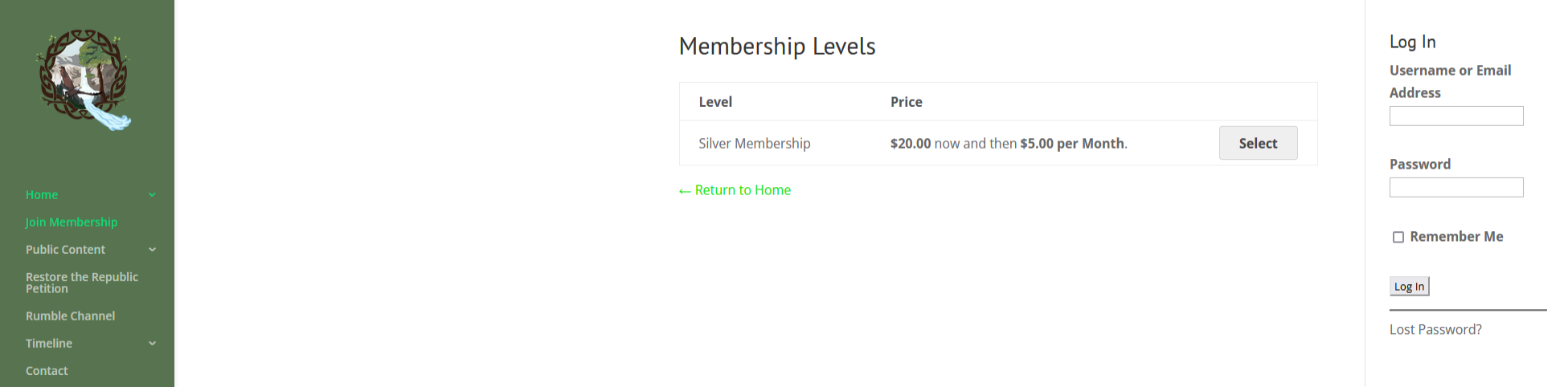
Select the Membership of you’re Choice. (Currently Only Silver Is Available)
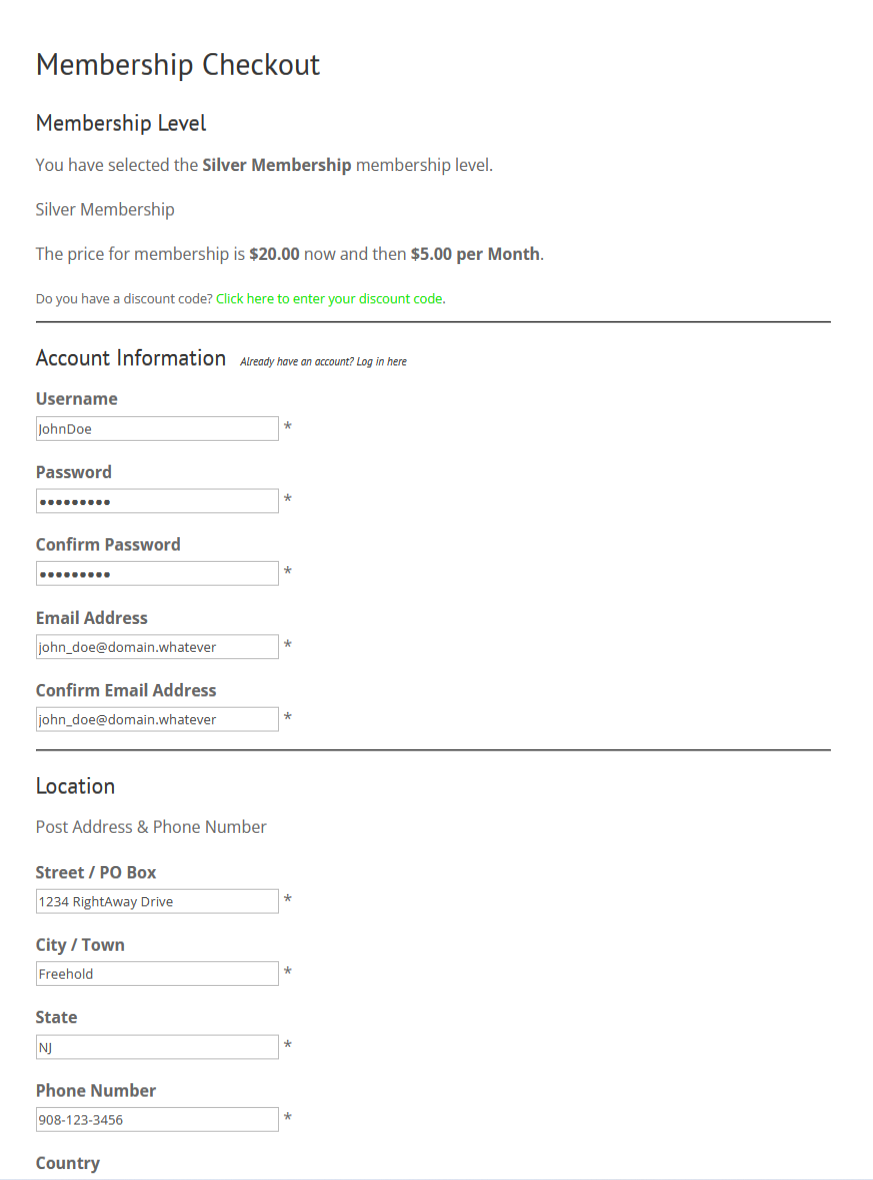
You will be taken to Membership Checkout. Fillout All Fields Needed.
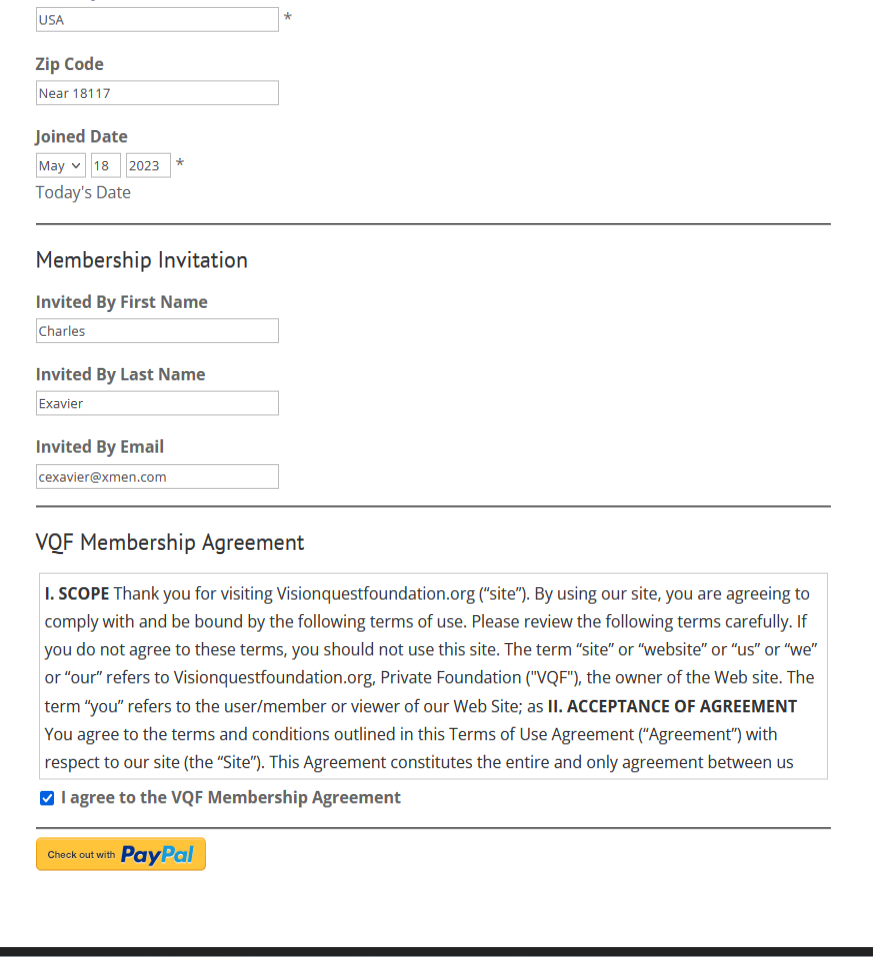
Review the Membership Agreement and Agree, then Click on Check Out with Paypal.
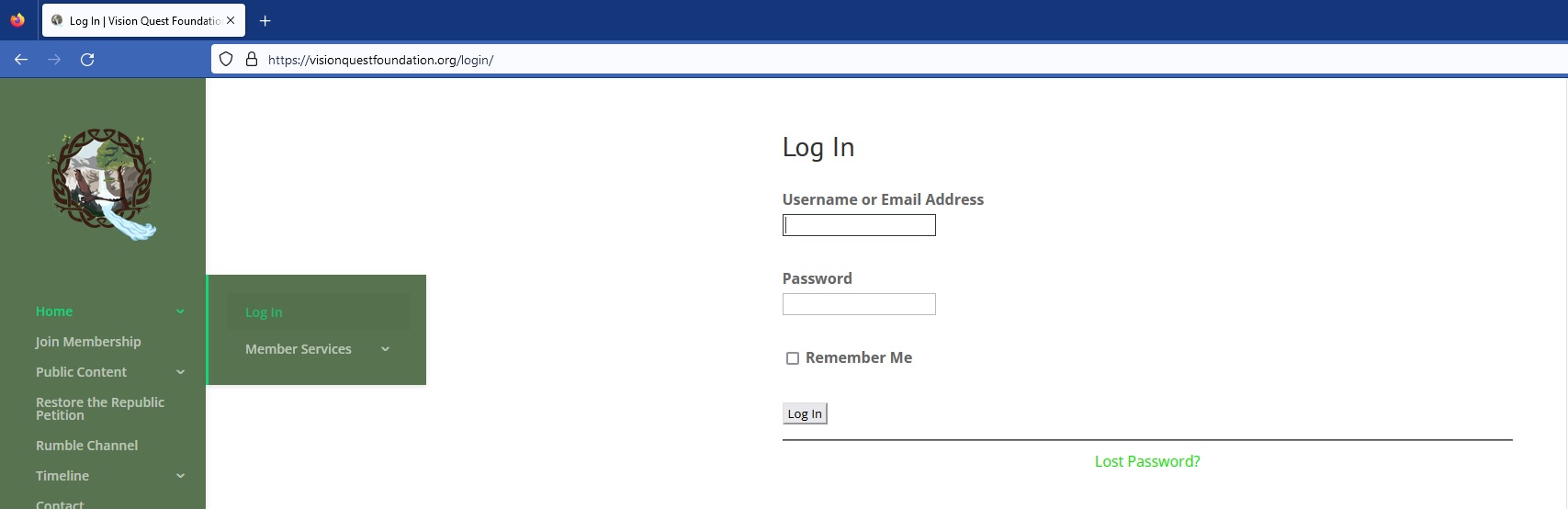
Once Check Out with Paypal has been Completed, Login Using Your New Active Account.
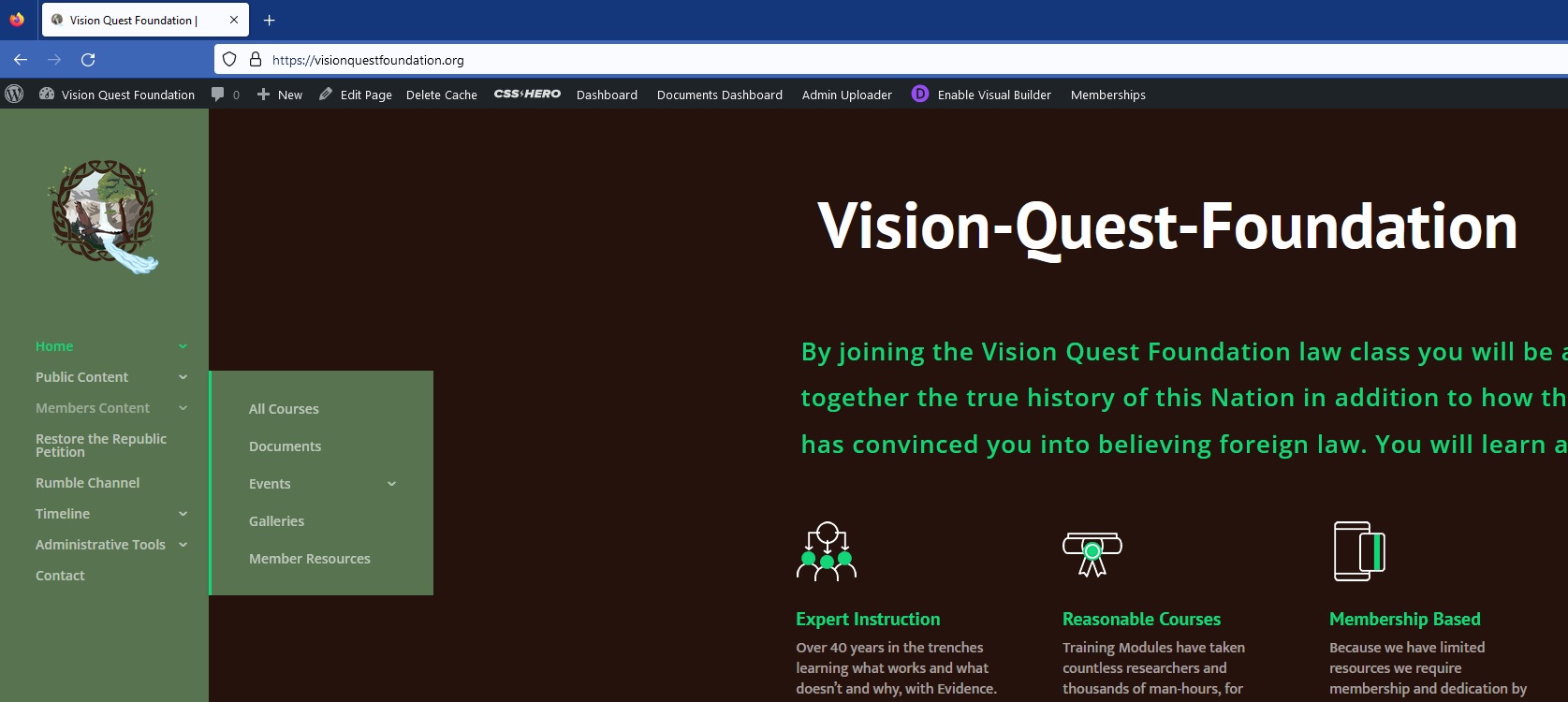
Once logged in you will have access to the Members Content Menu.
From the Members Section You Have Access to All Resources.
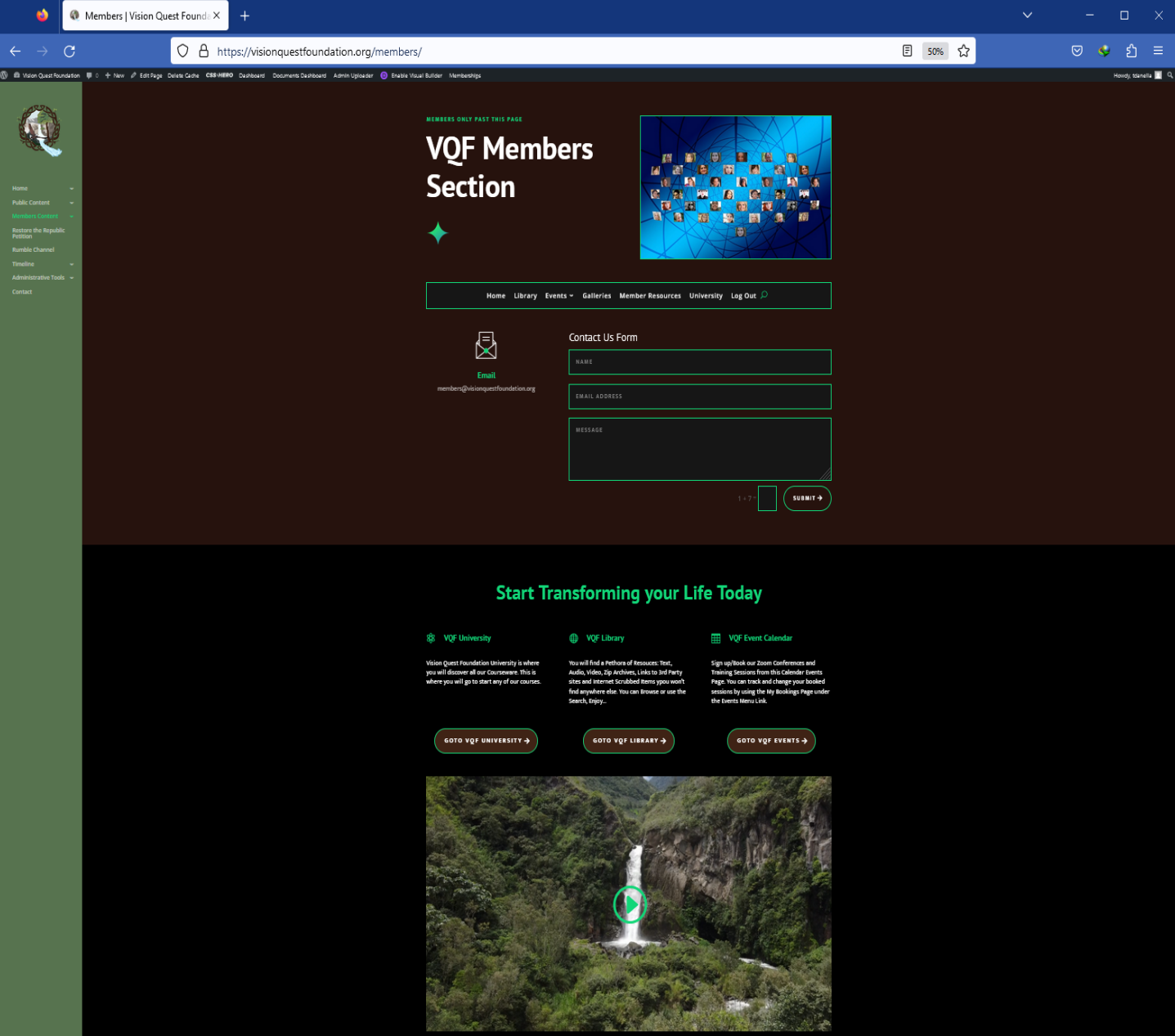
Welcome to Vision Quest Foundation – Enjoy!
Humans

Get Off Your Knees